Zero-Downtime Deploys on a Single VPS (No Kubernetes)
Zero-downtime deployment is discussed as if it needs an orchestrator and a platform team. On one VPS it needs a directory layout and a symlink, and fits on one screen. The hard part is not the swap — it is the four things that quietly stay broken after it.
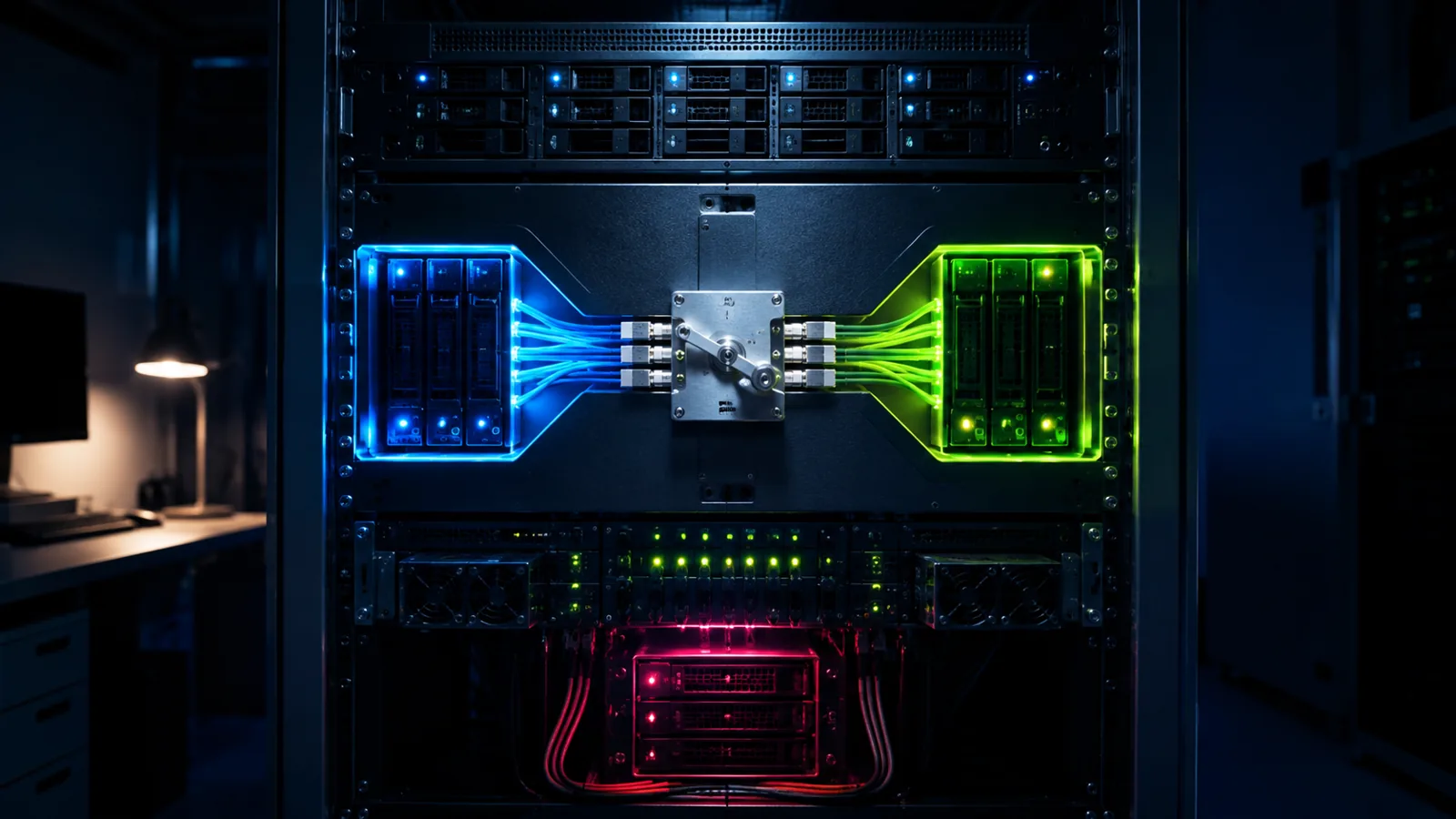
Zero-downtime deployment gets discussed as if it needs an orchestrator, a service mesh and a platform team. On a single VPS it needs a directory layout and a symlink, and the whole thing fits on one screen. The hard part is not the swap — it is the four things that quietly stay broken after it.
This is the deploy script I use on every VPS project, and more usefully, the failures it took to arrive at it.
The layout
Releases, shared, current
current forever. A deploy moves the symlink underneath it, which is why nothing needs restarting at the web-server layer.#!/usr/bin/env bash
set -euo pipefail # a failed step must not proceed to the swap
APP=/var/www/app
REL="$APP/releases/$(date +%Y-%m-%d-%H%M)"
PREV=$(readlink -f "$APP/current" || true)
mkdir -p "$REL"
tar -xzf /tmp/release.tar.gz -C "$REL"
# Shared state is linked in, never copied. It outlives every release.
ln -sfn "$APP/shared/.env" "$REL/.env"
ln -sfn "$APP/shared/storage" "$REL/storage"
php "$REL/artisan" migrate --force # additive only — see below
php "$REL/artisan" config:cache
php "$REL/artisan" route:cache
ln -sfn "$REL" "$APP/current.tmp" # ln -sfn on an existing symlink is
mv -Tf "$APP/current.tmp" "$APP/current" # NOT atomic; mv -T is.
sudo systemctl reload php8.2-fpm # or OPcache serves the old files
if ! curl -fsS --max-time 10 https://example.com/up > /dev/null; then
echo "health check failed — rolling back"
ln -sfn "$PREV" "$APP/current.tmp" && mv -Tf "$APP/current.tmp" "$APP/current"
sudo systemctl reload php8.2-fpm
exit 1
fi
ls -1dt "$APP"/releases/* | tail -n +6 | xargs -r rm -rf # keep 5
ln -sfn new current where current already exists is not atomic — it unlinks and recreates, and there is a window where the path does not resolve. Under any real traffic somebody gets a 500. Create the link under a temporary name and mv -Tf it into place; the rename is a single atomic syscall.
The four things
What the swap alone does not fix
1. OPcache still has the old files
This is the one that convinces you the deploy did not work. PHP's OPcache keys on absolute file path, and after a symlink flip the paths are new — but PHP may have resolved and cached the real path of the old release. You get a site running a mixture of two versions, which is worse than either.
A PHP-FPM reload clears it and is graceful: existing requests finish. If you cannot reload, set opcache.validate_timestamps=1 with a short revalidate_freq and accept the stat overhead. Do not use opcache_reset() from a web request — it clears the cache for one worker process, not the pool, so you get a partial and confusing result.
2. Migrations run against two versions of the code at once
For the seconds between migrating and swapping, the old code is running against the new schema. Any migration that removes something breaks the site that is still serving.
RENAME COLUMN name TO full_name
Old code selects name, which no longer exists. Every request errors until the swap lands.
Deploy 1: add full_name, backfill, write to both, read from name.
Deploy 2: read from full_name. Deploy 3: drop name.
It is genuinely three deploys for one rename, and that is the actual cost of not having downtime. The alternative is a maintenance window, which is a legitimate choice — just make it a decision rather than a surprise.
3. Queue workers keep running the old code
A systemd worker started before the deploy has the old release open. It will happily process new jobs with old code — including jobs whose payload shape has changed. Restart workers after the swap, and make them exit cleanly:
[Service]
User=deploy
# --max-time makes the worker exit on its own schedule, so it always
# picks up new code even if a deploy forgets to restart it.
ExecStart=/usr/bin/php /var/www/app/current/artisan queue:work --max-time=3600
Restart=always
RestartSec=3
# Let the in-flight job finish before the process is killed.
KillSignal=SIGTERM
TimeoutStopSec=90
TimeoutStopSec longer than your longest job is what turns a restart into a graceful handover rather than a half-processed job and a corrupted row.
4. Cached config points at the old path
config:cache and route:cache bake absolute paths. Building them inside the release directory before the swap is correct; building them after, or caching once and copying between releases, produces a config file confidently pointing at a directory you deleted three deploys ago.
Rollback
The part worth rehearsing
Rollback is one symlink move and a reload — under two seconds. That is the entire justification for the releases layout, and it is worth stating what it does not undo:
- Migrations do not roll back. This is exactly why they are additive: the old code has to keep working against the new schema, because after a rollback that is precisely the situation you are in.
- Anything written to shared state stays written. Uploads, cache entries, queued jobs.
- Jobs already processed stay processed. A rollback is not a time machine.
Honesty
What this does not give you
- It is one box. Zero downtime for deploys, not for the machine. A kernel update, a disk failure or a full disk is downtime and no symlink helps.
- Disk usage grows. Five releases of a Laravel app with vendor and node output is real space. Prune, and check the disk before wondering why a deploy failed.
- Long requests still get cut off. A reload is graceful for requests in flight; a request started before the swap finishes against the old code, which is correct but means two versions ran in the same second.
- WebSocket connections do not survive it. A persistent connection to a process being replaced drops regardless of the symlink. That needs draining, which is a different problem.
- No canary, no gradual rollout. Every user moves at once. On one box that is the only option, and it means your health check is doing all the work.
The checklist
releases/,shared/,current— the layout is the feature.- Web server root points at
current/publicand is never reconfigured. - Swap with
mv -Tf, neverln -sfnover an existing link. set -euo pipefailso a failed step cannot reach the swap.- Reload PHP-FPM after the flip, every time.
- Migrations additive only; a rename is three deploys.
- Restart queue workers after the swap, with a stop timeout longer than the longest job.
- Build config and route caches inside the release, before the swap.
- Health check a real endpoint, and roll back automatically on failure.
- Keep five releases, prune the rest, and rehearse a rollback before you need one.
Where to start on Monday
Move your app into a releases/ directory and point the web server at a current symlink. Do nothing else. That one change gives you rollback, and rollback is worth more on a bad day than every other item on the list combined.
- symlink swap
- mv -Tf
- shared state
- OPcache reload
- additive migrations
- worker restart
- health check
- prune releases
The pipeline that produces the artifact is in the GitHub Actions post, the box itself should be hardened first, and the wider comparison with shared hosting is in the CI/CD guide.


Comments (0)
No comments yet
Be the first to share a thought on this article.
Join the conversation