Deploying to Shared Hosting When You Only Have FTP and Cron
No SSH, no shell, no root, no daemons. It is easy to treat that as a broken environment, but a great many real sites live there happily — and they still deserve a deploy that is not a person dragging folders in FileZilla. What a real pipeline looks like when writing a file is the only verb you have.
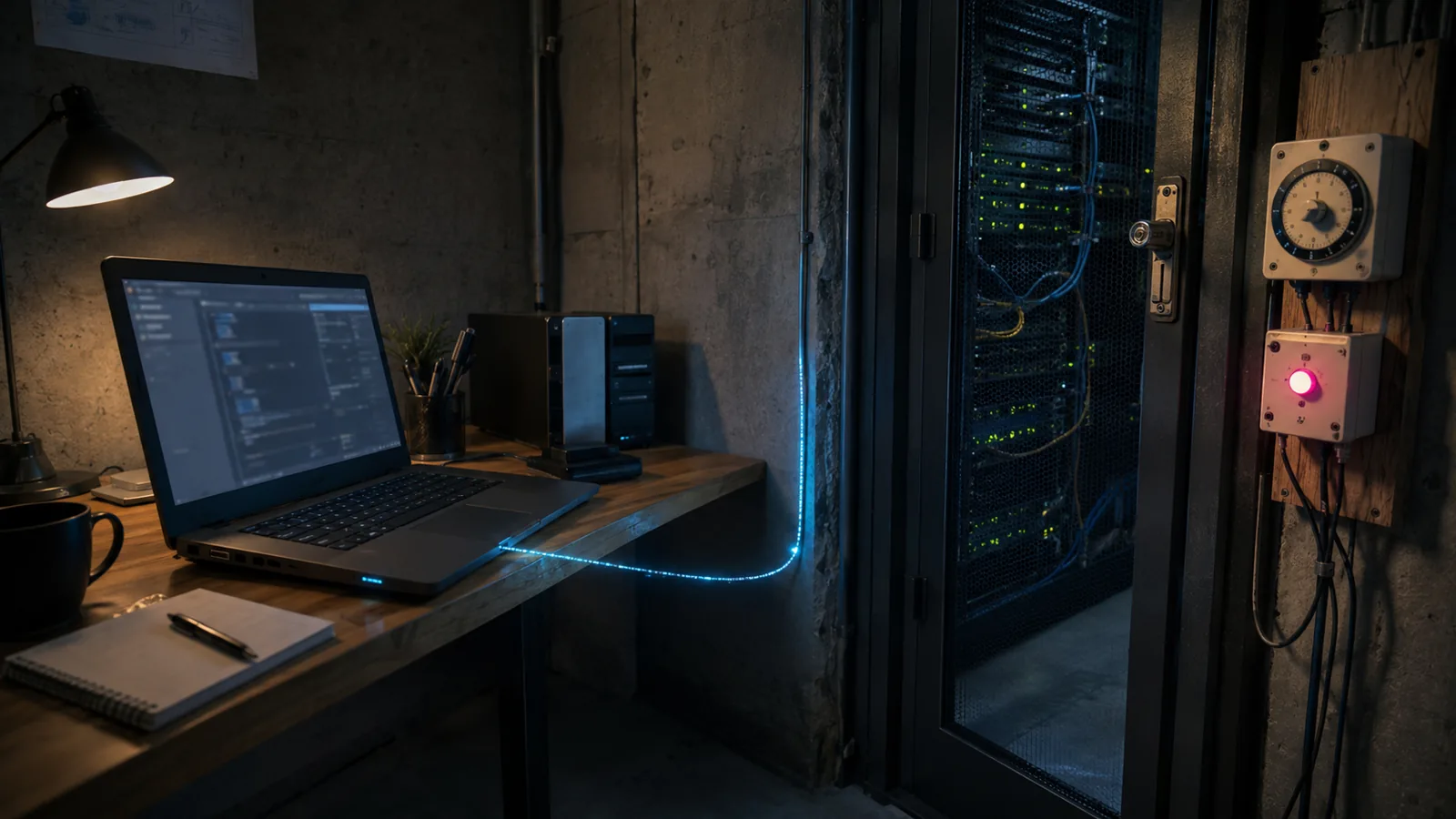
Some hosts give you a control panel, an FTP account, a cron table, and nothing else. No SSH, no shell, no root, no Docker, no daemons. It is easy to treat that as a broken environment to be escaped from, but a very large number of real sites live there permanently and quite happily — and they still deserve a deploy that is not a person dragging folders in FileZilla.
This is what a real pipeline looks like when file access is the only lever you have.
The constraint
What you are actually working with
SSH · shell · root · Docker · systemd · long-running processes · your choice of runtime · atomic file operations · composer install on the server (usually) · anything needing a compiler
FTPS or SFTP file transfer · cron with a minimum interval · a fixed PHP version · MySQL · a document root you can point somewhere · a control panel that can do more than you think
Every technique below follows from one fact: the only verb you have is "write a file". So the build happens elsewhere and you ship the result, and anything resembling process management has to be expressed as a file that cron will notice.
Deploying
Build on the runner, sync the output
name: Deploy
on:
  push:
    branches: [main]

concurrency:
  group: deploy-production      # two deploys interleaving over FTP is chaos
  cancel-in-progress: false

jobs:
  deploy:
    runs-on: ubuntu-latest
    steps:
      - uses: actions/checkout@v4
      - uses: shivammathur/setup-php@v2
        with: { php-version: '8.2' }
      - uses: actions/setup-node@v4
        with: { node-version: 20, cache: npm }

      - run: composer install --no-dev --optimize-autoloader --prefer-dist
      - run: npm ci && npm run build
      - run: php artisan test

      - name: Maintenance mode on
        run: |
          mkdir -p storage/framework
          echo '{"except":[]}' > storage/framework/down
      - name: Upload the flag first, on its own
        uses: SamKirkland/FTP-Deploy-Action@v4.3.5
        with:
          protocol: ftps
          server: ${{ secrets.FTP_HOST }}
          username: ${{ secrets.FTP_USER }}
          password: ${{ secrets.FTP_PASSWORD }}
          local-dir: ./storage/framework/
          server-dir: /public_html/storage/framework/

      - name: Sync the application
        uses: SamKirkland/FTP-Deploy-Action@v4.3.5
        with:
          protocol: ftps
          server: ${{ secrets.FTP_HOST }}
          username: ${{ secrets.FTP_USER }}
          password: ${{ secrets.FTP_PASSWORD }}
          local-dir: ./
          server-dir: /public_html/
          exclude: |
            **/.env
            **/.git*
            **/.git*/**
            **/node_modules/**
            **/storage/app/**
            **/storage/framework/down
            **/tests/**

      - name: Maintenance mode off
        run: curl -fsS "https://example.com/_deploy/up?token=${{ secrets.DEPLOY_TOKEN }}"
.env — sync it once and you overwrite production credentials with the repo's, and possibly publish them. storage/app — sync it and you delete every user upload. .git — sync it and your entire source history is downloadable at /.git/, which is a real and regularly exploited exposure. Write the exclude list before the first deploy, not after the first incident.
The state file problem
Diff-based FTP actions keep a manifest on the server to know what changed. It works well and it has one sharp edge: if that file is lost or wrong, the next deploy either uploads everything or — worse — uploads nothing and reports success. When a deploy claims to have run and the site has not changed, that manifest is the first thing to check.
Scheduling
Cron is your only process manager
No daemons means the queue worker cannot be a daemon. The pattern that survives a shared host's process reaper is a bounded run that exits on its own:
# Queue: every minute, exit before the next one starts.
* * * * * cd /home/user/public_html && /usr/local/bin/ea-php82 artisan queue:work \
            --stop-when-empty --max-time=50 --max-jobs=100 \
            >> storage/logs/queue.log 2>&1

# Scheduler: the one entry Laravel needs.
* * * * * cd /home/user/public_html && /usr/local/bin/ea-php82 artisan schedule:run \
            >> /dev/null 2>&1

# Log rotation, because nothing else will do it and the disk is not yours.
0 3 * * * find /home/user/public_html/storage/logs -name '*.log' -mtime +14 -delete
Four details that are all learned the hard way:
- Use the host's PHP binary path, not
php. Cron'sPATHis minimal and often resolves to a different, older PHP than the web server uses.ea-php82,/usr/local/bin/php82— check the panel; it will tell you. --stop-when-emptyand--max-timetogether. The process must exit before the next minute or you accumulate workers until the host kills them all.--max-jobscaps the damage from one slow job monopolising the window.- Rotate your own logs. An unrotated Laravel log will fill a shared quota, and the failure mode is the whole site going read-only.
Reality
What you give up, honestly
- Deploys are not atomic. The maintenance flag converts "broken for 40 seconds" into "explicitly down for 40 seconds", which is much better and is not the same as zero downtime. If the host offers SSH, use the symlink approach instead — it is a different class of solution.
- Sub-minute background work is impossible. Cron's floor is a minute. Anything needing faster is a reason to leave, not a problem to solve.
- No WebSockets, ever. No persistent process means no persistent connection. Polling, or a managed real-time service, or a different host.
- Rollback means redeploying the previous commit — minutes, not seconds, and only as reliable as your last green build.
- The PHP version is theirs. Pin your
composer.jsonplatform to it, or the runner resolves dependencies for a PHP the host does not have and you find out at runtime.
The checklist
- Build on the runner; the host receives only output.
- Tests gate the deploy, before any file is transferred.
- Maintenance flag up first, down last, as separate steps.
- Exclude
.env,storage/appand.git— the three that cause real incidents. - FTPS or SFTP, never plain FTP. Credentials in clear text over the network is not a 2026 tradeoff.
- A concurrency group so two deploys cannot interleave over one FTP session.
- Cron uses the host's explicit PHP binary path.
- Bounded queue runs —
--stop-when-empty --max-time --max-jobs. - Rotate your own logs; nothing else will.
- Pin the PHP platform in
composer.jsonto the host's actual version.
Where to start on Monday
Open the control panel and look for SSH access and for a Git deployment feature. Many cPanel plans have both and most people never check. Either one changes what is possible here substantially — and if the panel is cPanel specifically, its built-in Git deployment is worth a look before you build any of this.
- FTPS
- build on runner
- maintenance flag
- exclude list
- bounded cron
- explicit PHP path
- log rotation
- concurrency group
The cPanel Git route is covered here, the SSH version of this problem is the symlink swap, and the comparison between the two environments is in the CI/CD guide.



Comments (0)
No comments yet
Be the first to share a thought on this article.
Join the conversation